Menu | View > Zoom/Pan History > Open Views |
Open views saved using the Zoom/Pan New View command.
Related commands:
• Pan
Procedure
1. Select the Zoom/Pan Open Views command.
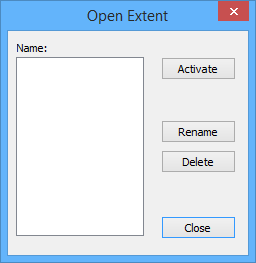
The Open Extent dialog box is displayed.
2. Select a view from the list.
3. [Optional] Edit the selected view:
• To rename the view, click Rename.
• To delete the view, click Delete.
4. To open the selected view, click Activate.
The selected view is shown in the Display window.