CARIS HPD Product Editor
 CARIS HPD Product Editor
CARIS HPD Source Editor
Pop-up | Compare with Current Version (History window) |
The Compare Old and New Shapes command lists the changes to feature attributes and geometry in the Output window.
Related commands:
• • | • • |
Procedure
1. Select the Compare Old and New Shapes command.
The results are displayed in the Output window.
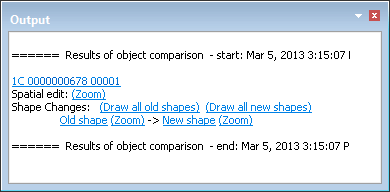
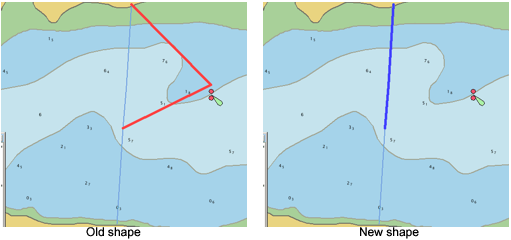
You can view the old and new versions of a feature by clicking links in the Output window:
• Old shape: Draw the old shape of the feature and highlight it. Click (Zoom) to zoom and centre the feature.
• Draw all old shapes: Draw and highlight all old features.
• New shape: Draw the new shape of the feature and highlight it. Click (Zoom) to zoom and centre the feature.
• Draw all new shapes: Draw and highlight all new features.