Any custom item created will only be saved with the coordinate reference system item it is created for.
Interface
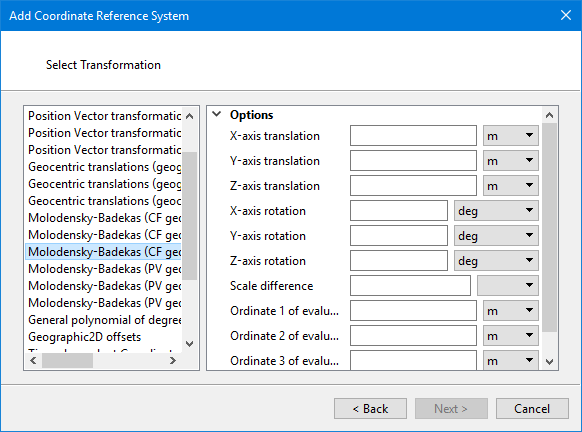
Transformations are listed on the left. Options for the selected transformation are listed on the right.
Click the down arrow and select units from the list. Type the necessary value in the box.
Procedure
1. Select the transformation from the list on the left
2. Set the options of the selected transformation
3. Click Next.
The Select Projection dialog box is displayed.