Feature information in dictionaries can be viewed and minor modifications can be made. For example, information can be translated into another language.
1. Select a dictionary.
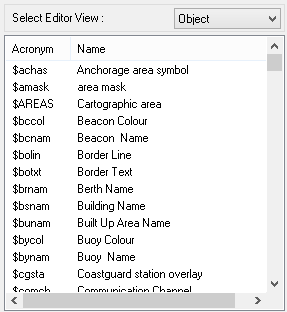
2. Select Object from the Select Editor View list.
Dictionary Editor displays a list of objects in the selected dictionary.
This example shows a list of features in hpdObjects.
3. Select a feature in the list.
Information on that feature is displayed in the General, References, and Remarks tabs on the right side of the Editor.
1. Modify the Remarks text.
2. Click Apply to save the modifications or click Restore to retrieve the previous settings.
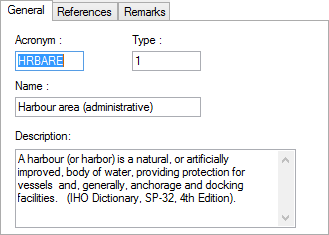
General
Option | Description |
|---|---|
Acronym | The object acronym. Read-only |
Type | A numeric code that defines the object category: • 1: Geographic • 3: Cartographic • 4: Collection • 5: Metaobject Do not change the code in the Type field. |
Name | A brief description of the object |
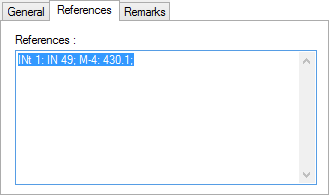
References
Option | Description |
|---|---|
References | A text area for entering additional comments about the object |
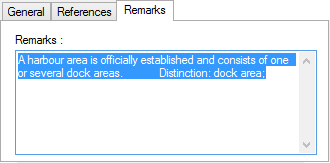
Remarks
Option | Description |
|---|---|
Remarks | A text area for containing information about the object |