CARIS HPD Paper Chart Editor
 CARIS HPD Paper Chart Editor
Product Editor
Menu | Projects > Revert Selected Changes > To Project Start |
Revert a new or changed product feature in a project to its previous state (just before the change). It acts as an undo operation on project-level changes. This command works on both saved and non-saved features.
The Revert Selected Changes command is used in conjunction with the Review Changes to Project command. It can revert changes, such as new features created directly in the product or source changes that are imported into the product.
Related commands
• |
Procedure
When you use one of the Review Changes commands, project layers are created in the Layers window. There are four types of these layers: New, Modified, Deleted and Superseded.
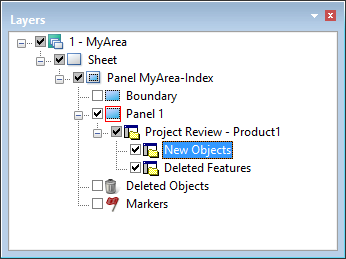
1. Select the layer containing the features that you want reverted.
2. Select the features in the layer to be changed.
3. Select the Revert Selected Changes command.
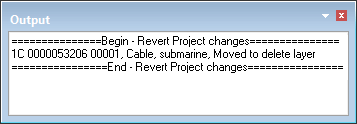
The changes are listed in the Output window.