 CARIS HPD Paper Chart Editor
 CARIS HPD Paper Chart Editor
This command is only available if the Raster Chart Module is enabled. |
Menu | Raster > Select by Polygon |
Tool |
|
Select an area using the polygon selection tool.
Related commands:
• | • |
Procedure
1. Select a raster layer or the Raster Set layer.
When Raster Set is chosen, selection is applied to all raster layers. |
2. Choose the Select Raster by Polygon command.
The select by polygon pointer is shown in the Display window.
3. Click the mouse button to start the selection.
4. Click the mouse at points around the selection.
The selection area is highlighted.
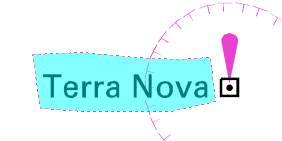
5. To complete the selection, press Home.
The pixels in the selection area are highlighted.
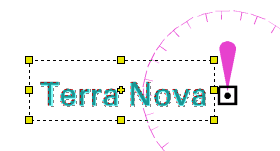
You can extend the selection by positioning the pointer over any of the handles in the selection area until a two-headed arrow is displayed.
6. Press and hold the mouse button and resize the selection area by moving the mouse.
