A feature layer is a temporary layer used to create or modify features. These operations can be performed on a feature layer:
• Copy existing features
• Digitize new features
• Edit features
• Generate filter layers
Completed features can be imported into the database from the feature layer. For example, you can open an external file and import data from it into the feature layer, then modify the data, then import the modified features into the database.
The feature layer can be saved as a HOB file and reopened using the Open command.
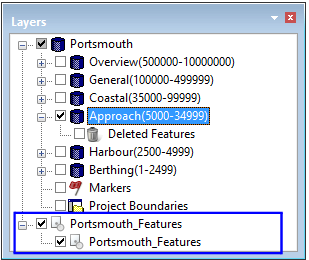
This is an example of a feature layer in the Layers window.
Any external data with invalid geometry is isolated in an Invalid Objects layer during import.
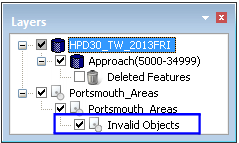
The features in this layer cannot be imported to HPD or saved in the feature layer until they are repaired. Use the Validation tools to help identify errors.
Related commands
• • | • |