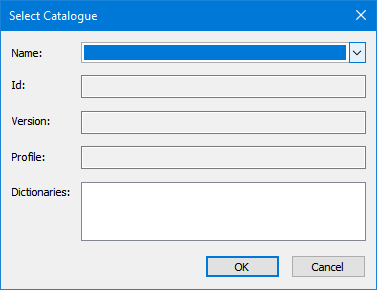
If you are opening a file that requires a catalogue, the Select Catalogue dialog box is displayed.
This dialog box may also be displayed if you are copying features to a scratch layer.
Procedure: File Open
1. Select a catalogue from the Name list.
Information from the catalogue is displayed.
2. Click OK.
The file is opened
Procedure: Copy to Scratch Layer
1. Do one of the following:
• Select Active Layer from the Name list to use the catalogue of the active layer.
• Select a different catalogue from the Name list.
2. Click OK.
The layer is created.