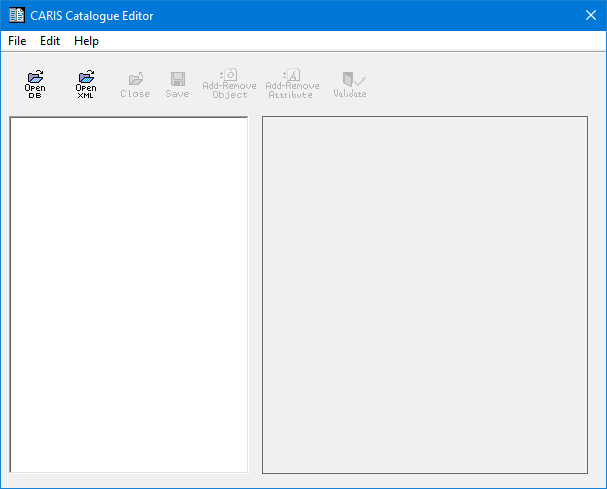
You can open a database profile or an external XML profile in Catalogue Editor and make the following revisions:
• Modify a database profile
• Add/remove features to or from a profile
• Add/remove attributes to or from a profile
• Associate attributes to features
• Save a database profile as an external source XML profile
• Save an XML profile as a database profile.
1. From the Start menu, select CARIS > Catalogue Editor.
The Catalogue Editor is displayed.
Related commands:
• • • • • • | • • • • • |