Tool | |
Coordinate values for features can be captured from the Paper Chart Editor or Product Editor and displayed in the HTML Editor. Further formatting, if needed, can then be done.
1. Select a feature in the Paper Chart Editor or Product Editor.
2. Select the Capture Feature tool.
Tool | |
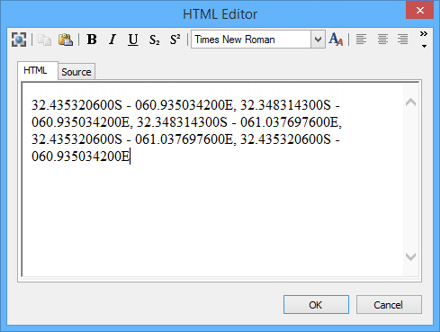
The feature coordinates are displayed in the HTML Editor. This example shows coordinates for an area feature.
3. Format as necessary.
4. Click OK.
