 Publications Module
 Publications Module
The HTML Editor is used to add formatted content to description attributes in the Publications Module.
When you click Browse in any Description field, the HTML Editor is displayed.
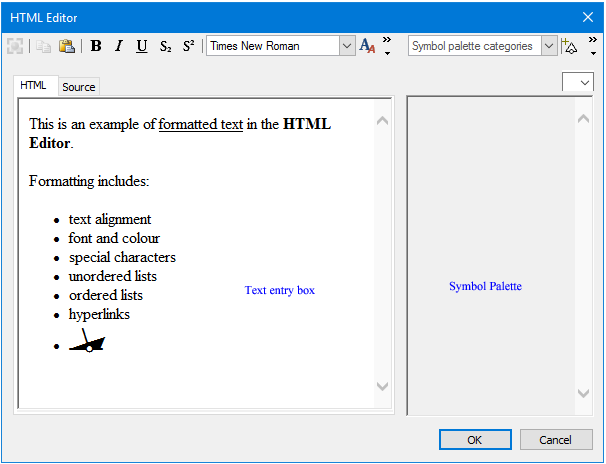
You type the text in the text entry box, either in the HTML tab or the Source tab, then format it using a variety of formatting commands. You can also insert symbols using the Symbol Palette and capture Coordinate values from Paper Chart Editor or Product Editor.