 CARIS HPD Paper Chart Editor
 CARIS HPD Paper Chart Editor
CARIS HPD Product Editor
CARIS HPD Source Editor
Menu |
|
In Feature Palette, print the contents of the palette to paper or to an electronic format such as PDF.
Related commands
• • • • • • | • • • • • • |
Procedure
1. Select the Print Features command.
A Print dialog box is displayed.
2. Select your printer and set the number of copies.
3. Click OK.
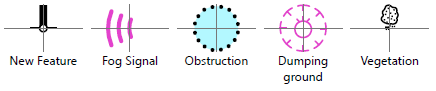
An image of each feature along with the feature name is printed to the selected printer.
 > Print Features (Feature Palette)