 CARIS HPD Paper Chart Editor
 CARIS HPD Paper Chart Editor
CARIS HPD Product Editor
CARIS HPD Source Editor
Menu | File > New > Layer By > Project |
Tool |
|
Pop-up | Add Layer > Project (Layers window) |
Create layers according to project. This is useful for checking what source features were modified during a project.
Two layers are created:
• Any Version Affected: Contains all features changed over the course of the project
• Latest Version Affected: Contains the most recently changed features over the course of the project.
Related commands:
• • • • • • • • • • • • • • • | • • • • • • • • • • • • • • • |
Interface
Procedure
1. Select a layer.
2. Select the Create Layer by Project command.
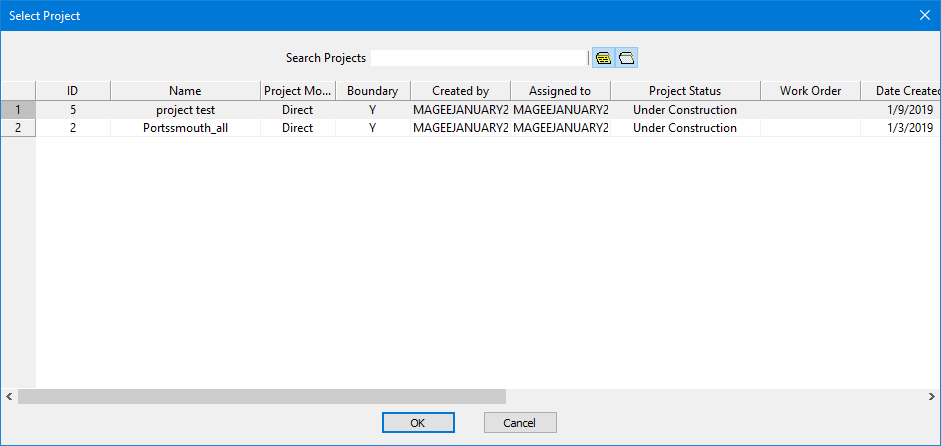
The Select Project dialog box is displayed.
3. Select a project from the list.
4. Click OK.
A layer is created that includes all the features created or modified in the selected project.
