 CARIS HPD Paper Chart Editor
 CARIS HPD Paper Chart Editor
CARIS HPD Product Editor
CARIS HPD Source Editor
Project Editor
CARIS HPD Publications Module
Menu | Projects > Select Project |
Choose another direct project. This command is active only when a workspace is open and you want to select between direct projects, for example, to view features associated with a project.
Related commands:
• • • • • • • • • | • • • • • • • |
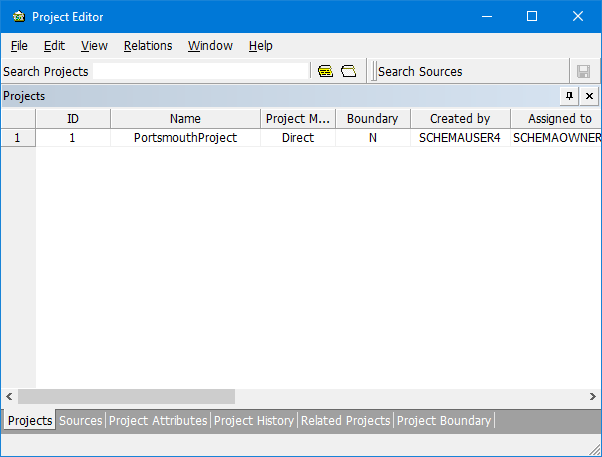
Interface: Project Editor
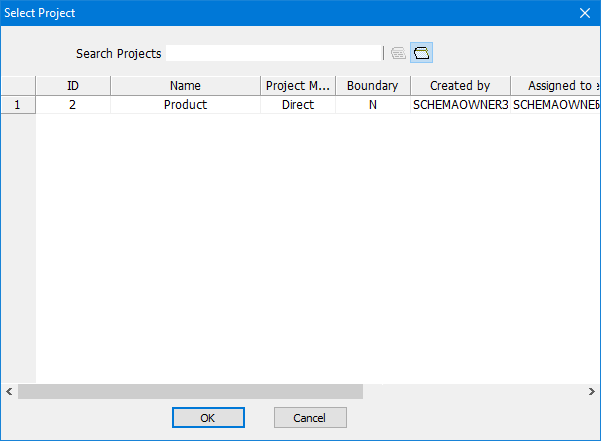
Interface: All other editors
Option | Description |
|---|---|
Search Projects | Narrow the list by typing in the project you want. The Search Projects function supports the % character and the * (wildcard) character. |
| To only view projects that have been assigned to you, click the Assigned Projects button. |
| To hide projects that have been completed click the Hidden Projects button |
Procedure: Project Editor
1. Select the Projects tab.
2. Select a project from the list.
Procedure: All other editors
1. Select the Select Project command.
The Select Project dialog box is displayed.
2. Select a project from the list.

