 Catalogue Editor
 Catalogue Editor
Menu | File > Import Database Dictionary from XML |
Import an XML external dictionary into a database. The imported features and attributes are appended to the database dictionary. Only new objects and attributes from the XML file are added – duplicates are skipped.
You must also update profiles associated with the dictionary for a fully functioning catalogue (dictionary and profile). |
Related commands:
• • • • • • | • • • • • • |
Procedure
1. Select the Import Dictionary command.
The Open dialog box is displayed.
2. Select the dictionary XML file and click Open.
The Select Dictionary dialog box is displayed.
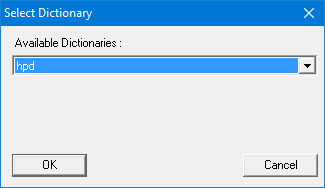
3. Select a dictionary from the Available Dictionaries list.
4. Click OK.
The features and attributes from one dictionary are imported to a dictionary associated with the open database.