 Catalogue Editor
 Catalogue Editor
Menu | File > Open Database Catalogue |
Tool |
|
Open a database catalogue.
Related commands:
• • • • • • | • • • • • • |
Procedure
1. Select the Open Database Catalogue command.
The database dialog box is displayed.
2. Type the Username and Password, and select a Database from the list.
3. Click OK.
The Select Profile dialog box is displayed. This dialog box selects the profile that is associated with the dictionary.
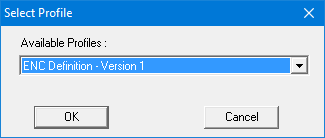
4. Select the profile from the list and click OK.
The profile is opened. The following image shows an expanded S-57 ENC - Version 1 database profile.
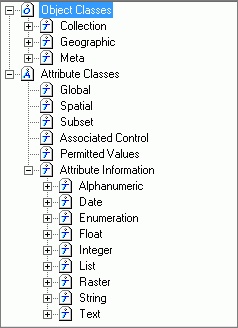
When you select a branch on the data tree, related properties are displayed on the right side of the editor.
